Sally Shopkeeper - VRChat 3D Avatar
A downloadable asset pack
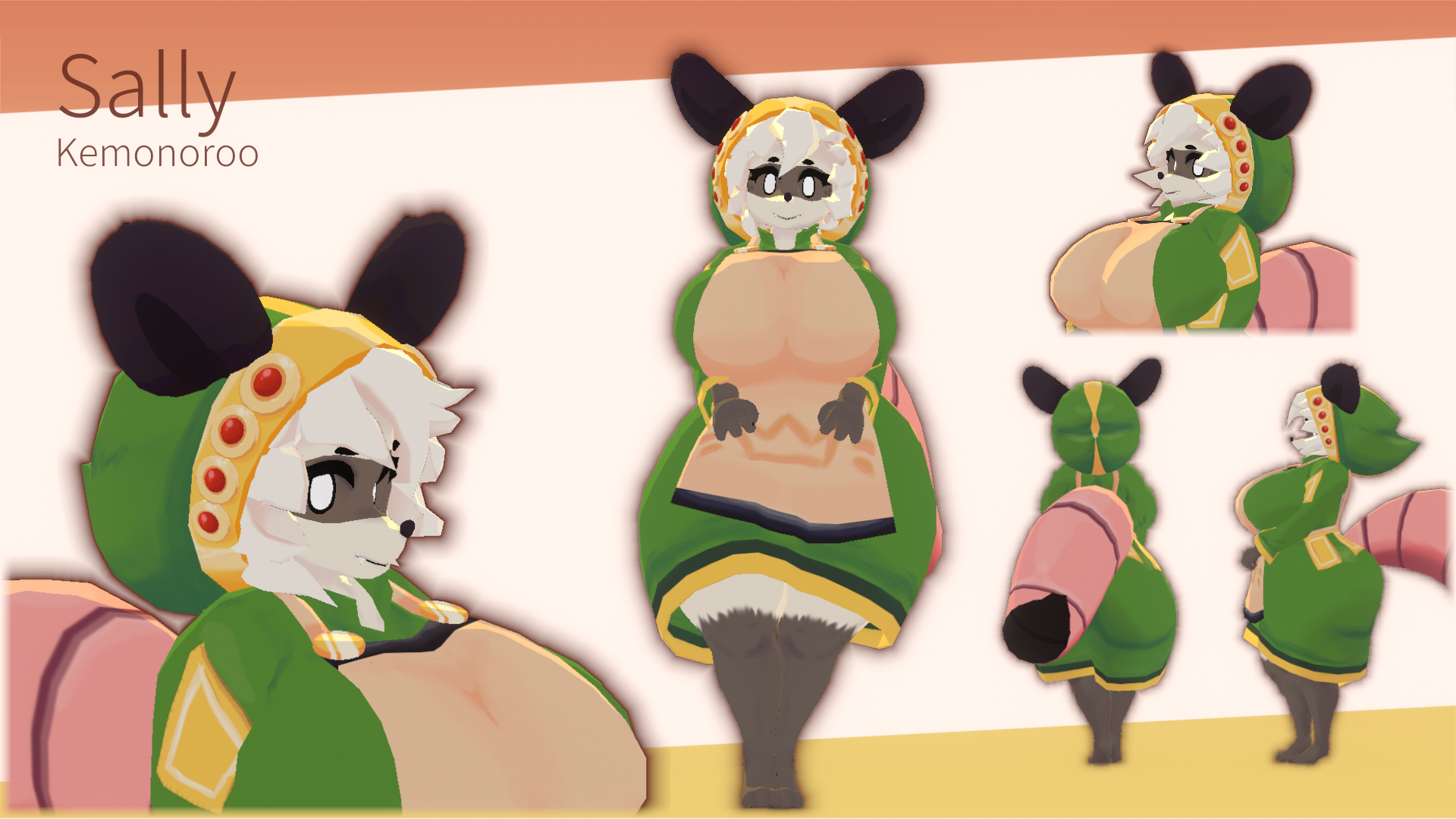
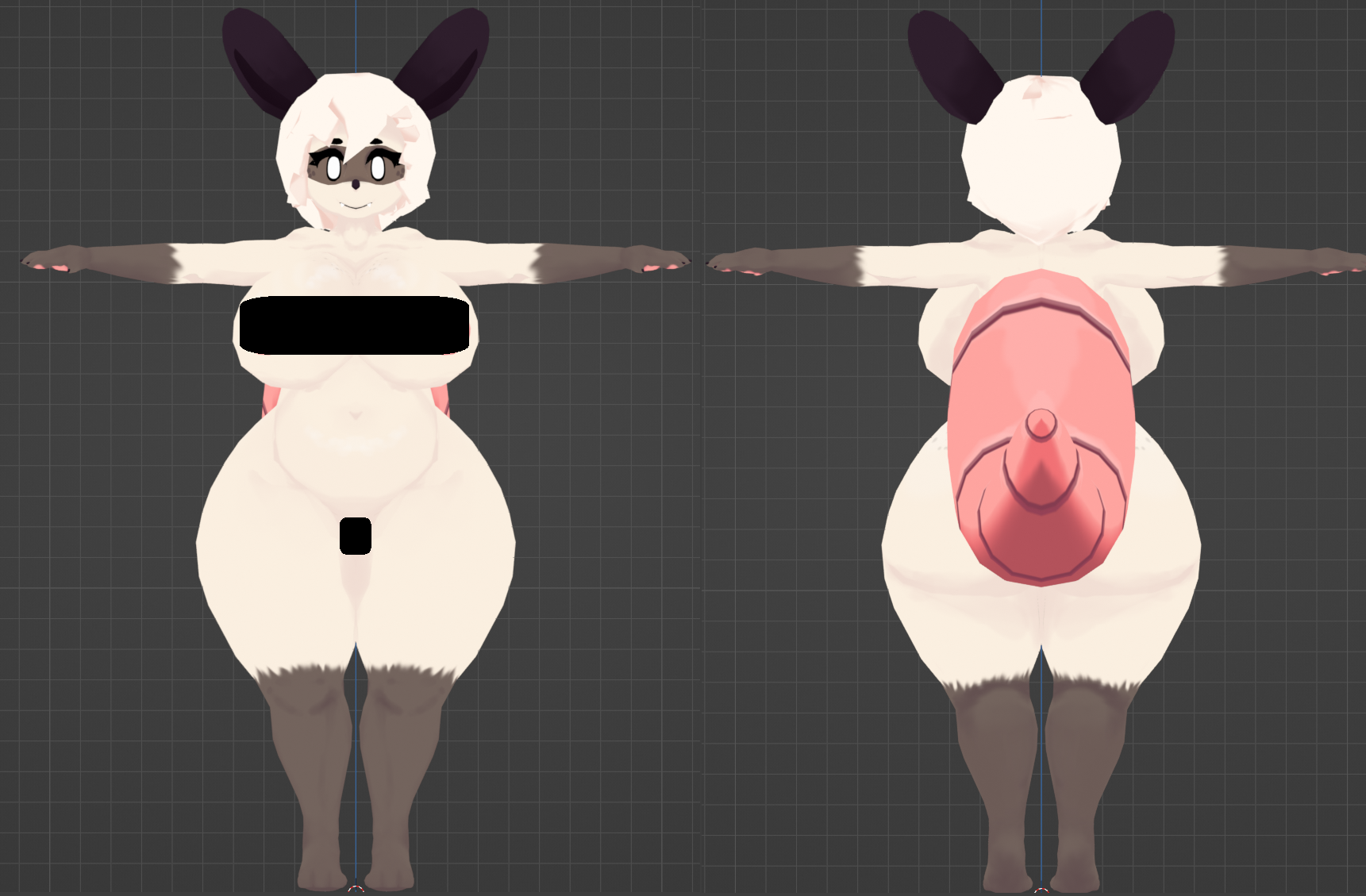
Sally the Shopkeeper from ATLYSS made from scratch by Kemonoroo! 🦘
Specifications 🟠
- PC & Quest Support
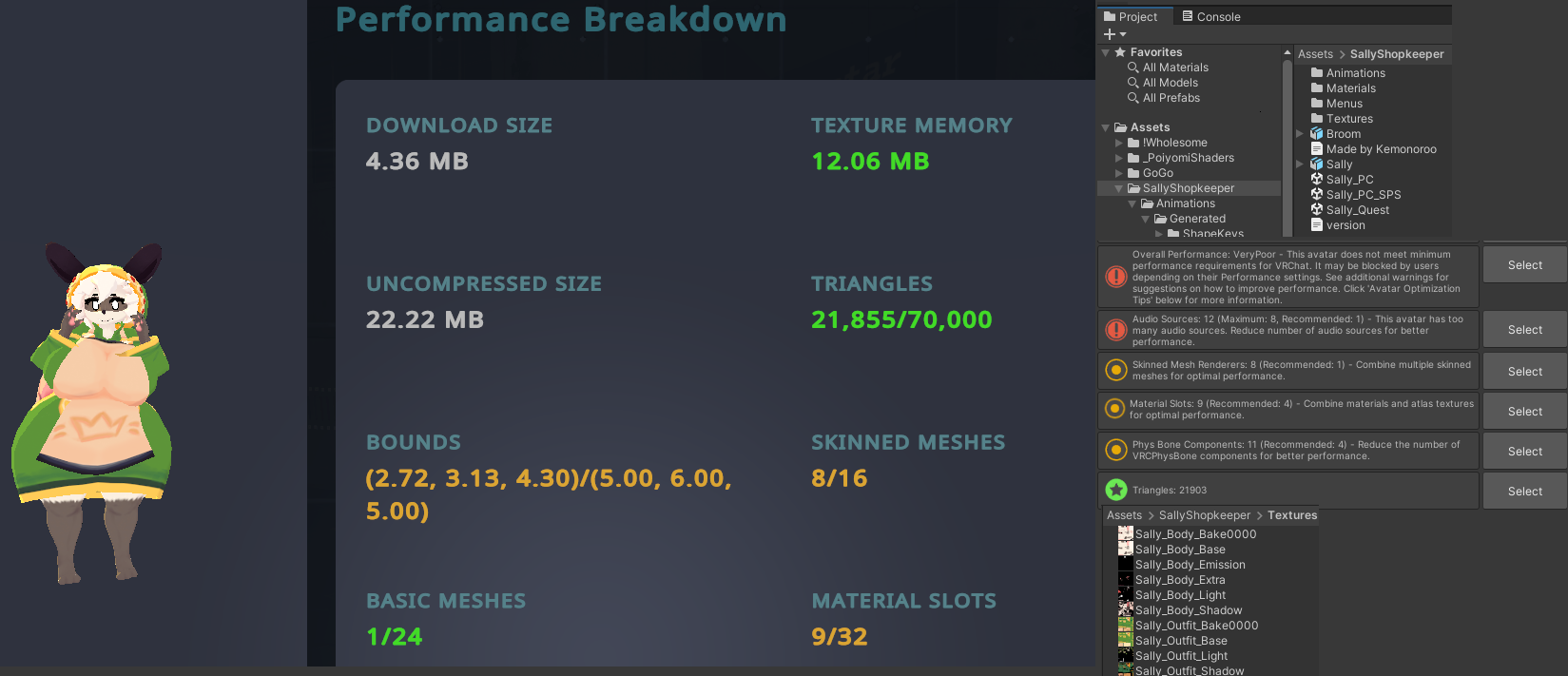
- Medium Rank (Very Poor on Quest and with SPS on PC)
- Full Body Tracking support
- Physbones
- Visemes
- 6 Expressions
- Gesture Eye Control
- 22k tris
Features 💦
- Toggle Apron
- Toggle Dress
- Toggle Broom
- Toggle Hood
- Toggle NSFW
- Animated Ears & Tail
- Body Sliders
- Gogo Loco by Franada (1.8.3)
- SPS + Wholesome
Instructions
- Download Unity Hub and install Unity Editor 2022.3.22f1
- Create a new Avatar project with VRChat Creator Companion
- (Optional) Import Poiyomi 9.0 to make material edits
- (Optional) Import VRCFury for SPS
- Import provided avatar files, open PC or Quest Avatar Scene
- Use VRChat SDK to upload
Change Log
- 1.0 - Initial Release
- 1.1 - Fixed Quest physbone component count limit
Terms of Sale 📝
- Please don't make public
- Please don't redistribute
- Modding to other games is fine
https://bsky.app/profile/kemonoroo.bsky.social
@Kemonoroo
Purchase
In order to download this asset pack you must purchase it at or above the minimum price of $10 USD. You will get access to the following files:
Comments
Log in with itch.io to leave a comment.
the model got a blender file to use and animate?
There is a Blender file, rig is FK only, facial emotes are shapekey driven.
The model was made for VRChat/Unity humanoid full body system
I'm still learning about IK/Drivers/Controllers and only know the basics
I still need to do some research for my armatures to support Rigify
So, this is my first time even downloading and doing something like this. How do I make my avatar private so I can make anyone see, because I'm a atlyss fan who loves Sally to death and I want my friends to see her.
Private is default, which means only you can wear it, everyone else can still see it.
ok thank you!!!
So I uploaded it and for some reason It's PC only, how do I make it for Android and PC
There are two seperate scenes "Sally_PC" and "Sally_Quest"
1. Copy your avatar ID when you uploaded to PC
VRCSDK > Content Manager > Copy ID
2. Open scene "Sally_Quest" and select the Sally avatar
3. In the Inspector, paste (Ctrl+V) the ID into the Blueprint ID, click "Attach"
4. In the Builder, at the bottom, swap the Platform to "Android"
VRCSDK > Builder > Build > Platform > Android
5. Upload again!
I know this is complex, there used to be tools not relying on Unity to upload, but VRChat devs took them down in favor of their internal store
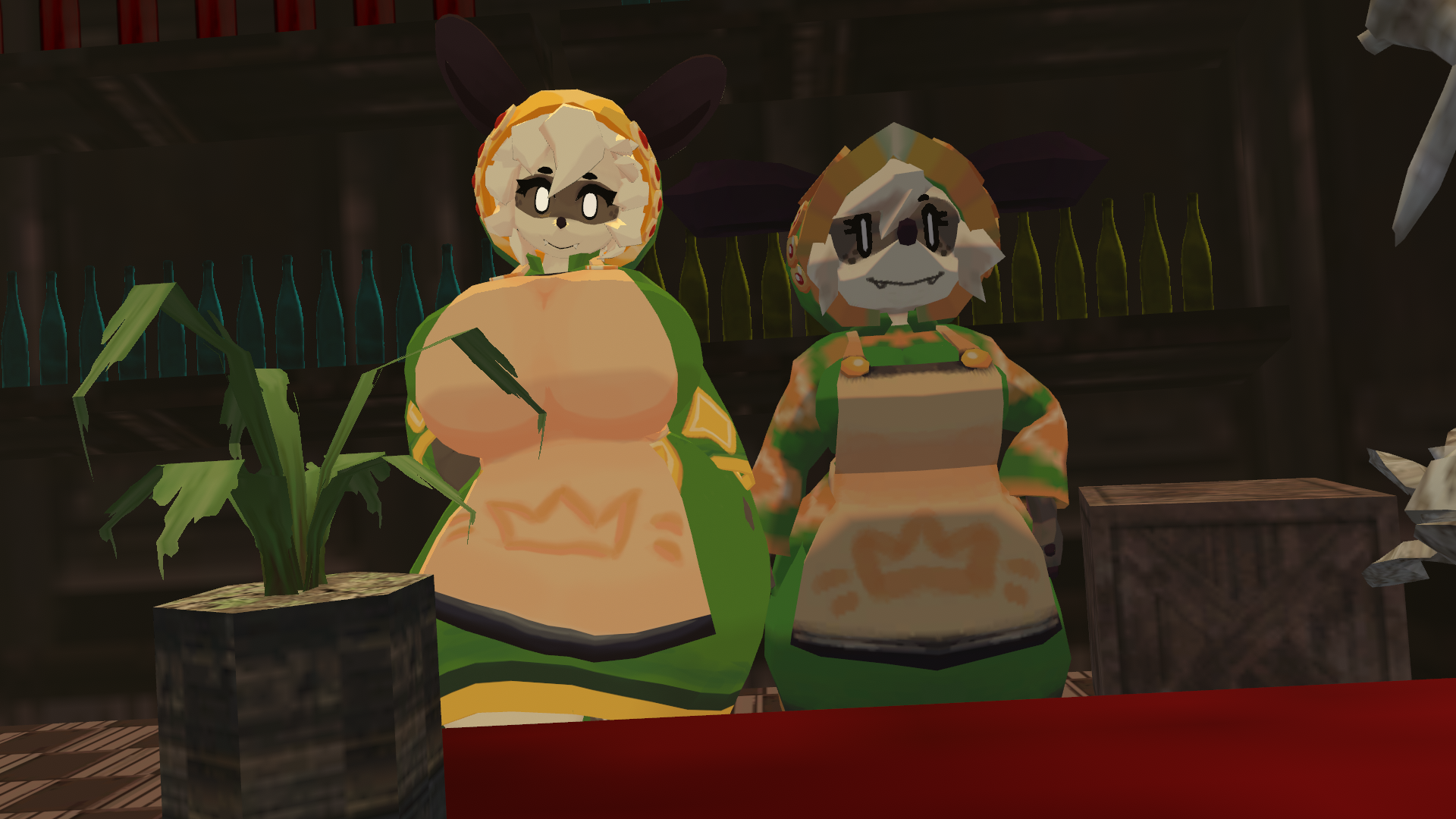
hey Im having some severe problems when I downloaded this and angela when I loaded them up they looked like this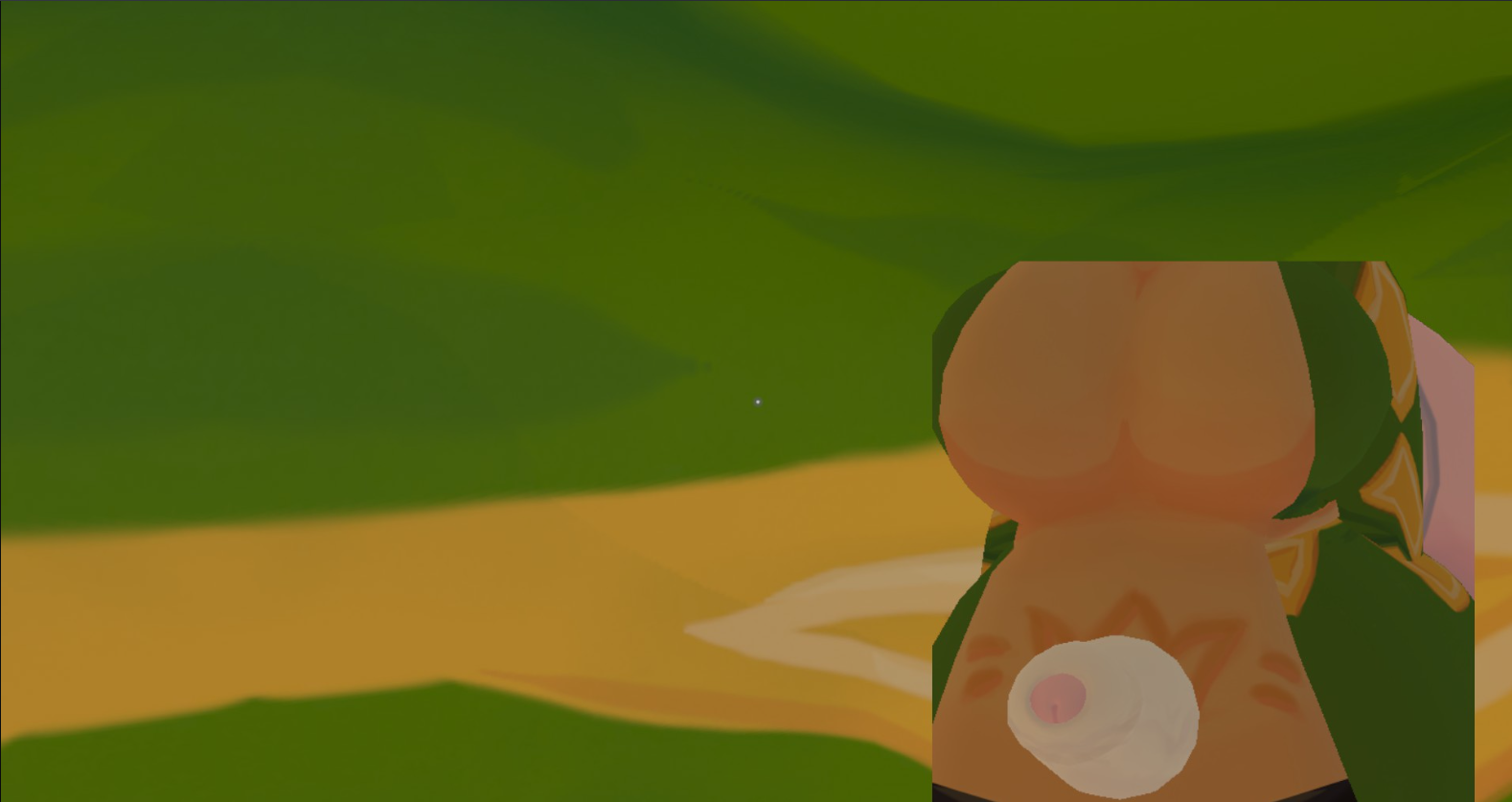
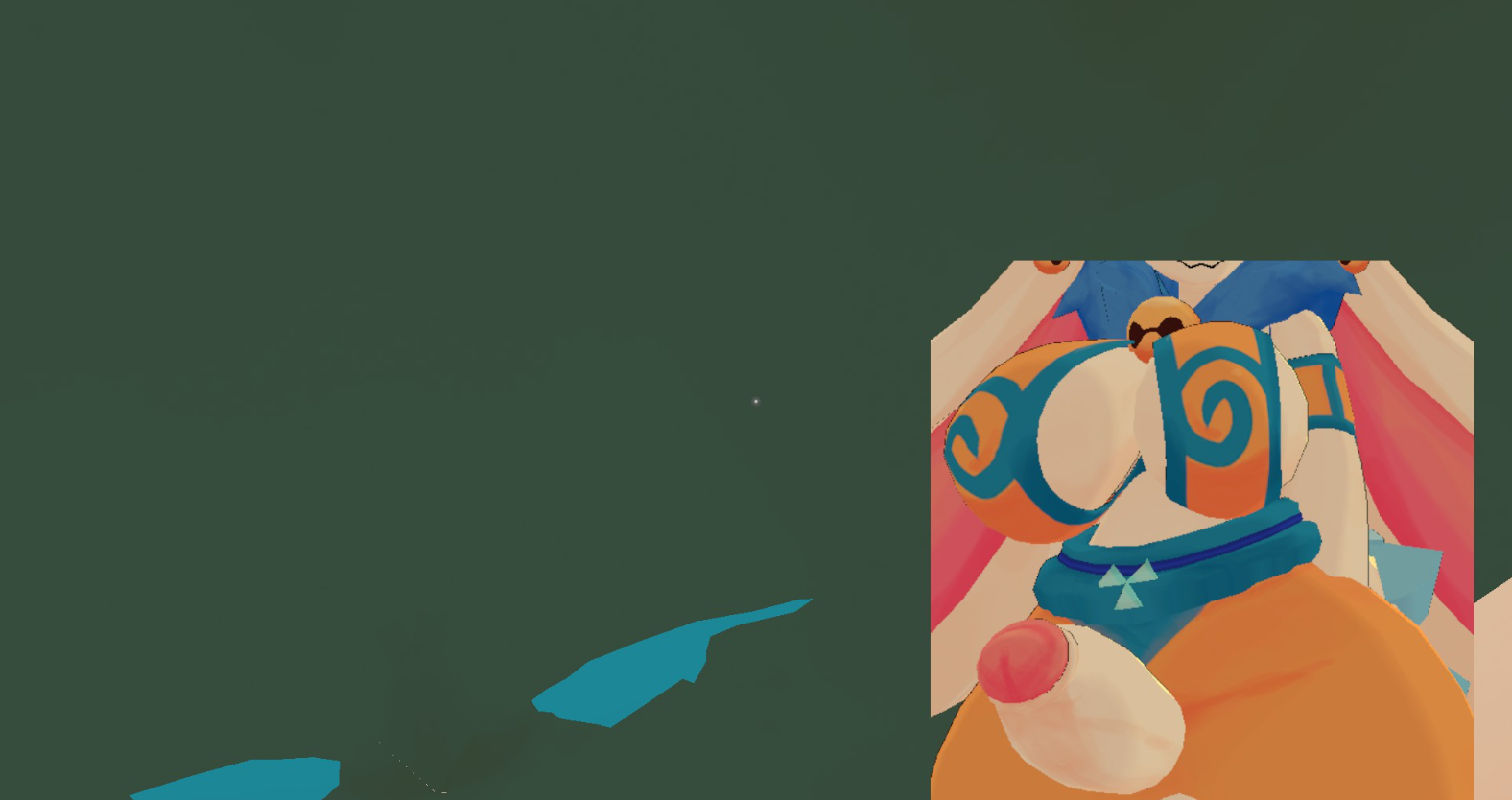
do you know how to fix this?
I definitely did something wrong as the emote options also won't show up
Ive never seen an issue like this before,
but 99% of strange issues Ive seen are solved by making a new project and uploading.
Don't combine avatars on the same project, unless you know what you are doing.
Of course make sure you are up to date on creator companion, and don't run updates while unity is open, (latest SDK version at this time is 3.8.1, with VRCFury for SPS is 1.1234.0)
The second one's kind of true because when I uploaded it with the broom attached it only loaded the broom as an avatar making it look very funny
I don't know if I am up to date with the SDK and I don't know if I installed VRC fury correctly
I see why you're having so many problems, you're not using the pre-made scene I made for my avatars to make it easy for upload.
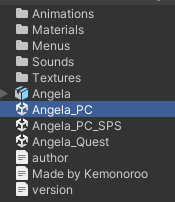
Open up "Angela_PC" and you'll see I have everything setup for you and ready for upload, same with Sally with "Sally_PC".
Oh there we go now it worked ty why did it take me so long to figure that out?
I have been using this avatar since February and it is a solid 10/10.
We ballin with this one🗣
WTF